Education Admissions
simplified across the GCC and beyond
Canmore Place is a structured platform where students and families can search, compare and apply to schools, universities and pathways, while institutions receive and manage applications in one place, and schools support their students throughout the process.
From first search to final decision, everything is managed
through one connected system.

ACCESS ON ANY DEVICE
You can use Canmore Place directly in your browser, or add it to your device for quick, app-like access.



WHAT IS CANMORE PLACE
Applying To Schools And Universities Today Is Fragmented — And It Often Comes At The Worst Possible Time.
You Are Expected To Focus On Your Final Exams While Also Completing Multiple Applications, Repeating The Same Information And Uploading The Same Documents Across Different Systems.
YOUR COMPLETE JOURNEY IN ONE PLACE
Canmore Place Is Designed To Support You Throughout Your Entire Education Journey.

HOW IT WORKS
YOU CREATE YOUR ACCOUNT AND
BUILD YOUR PROFILE

You upload your academic documents into a secure vault that stays with you throughout your journey.

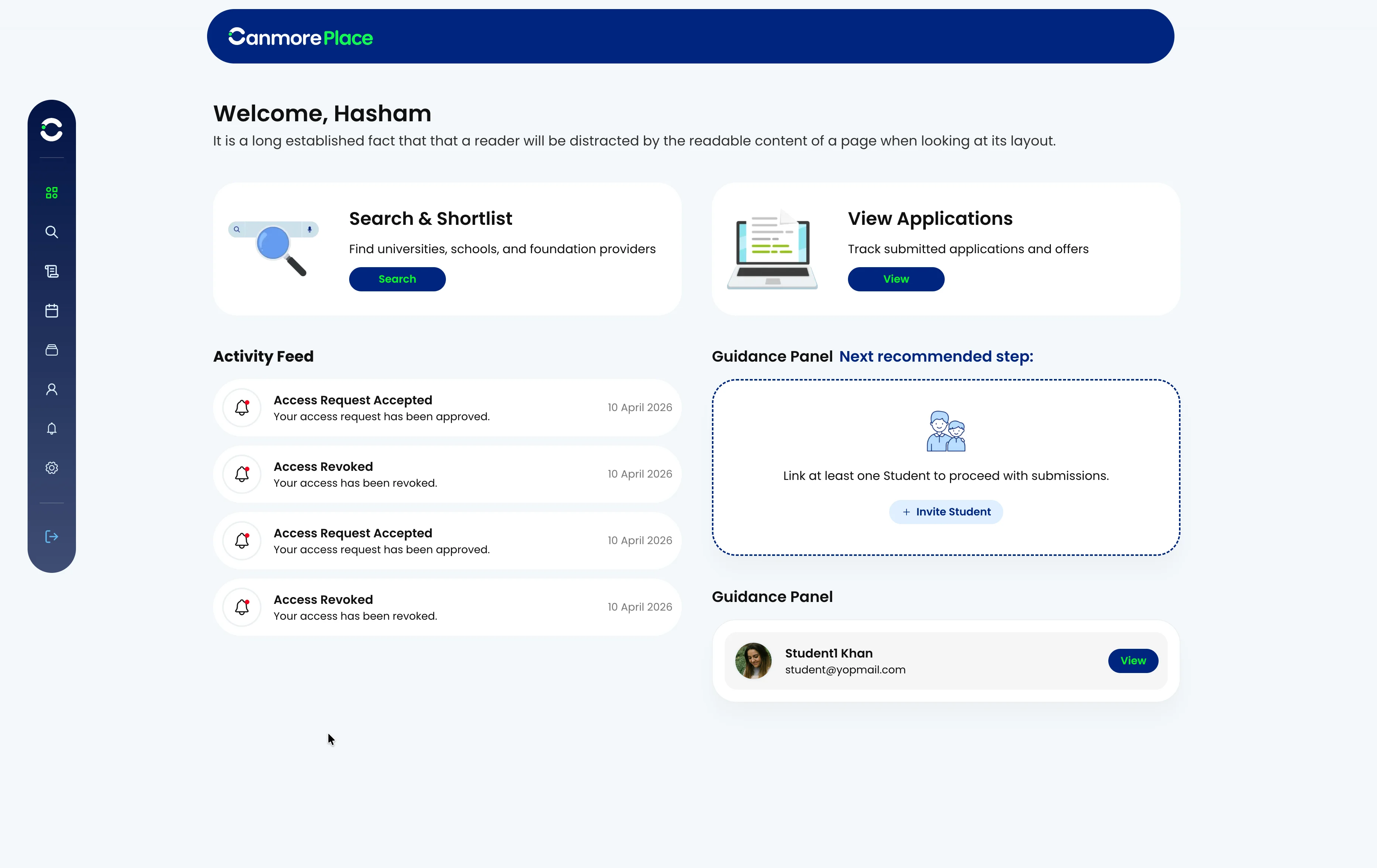
You can search and explore schools, universities and pathway providers, shortlist options and submit your applications.

When you apply, your profile is shared with your selected Universities. Each institution reviews your application and responds with updates, any requests for additional information, or may simply send you an offer.

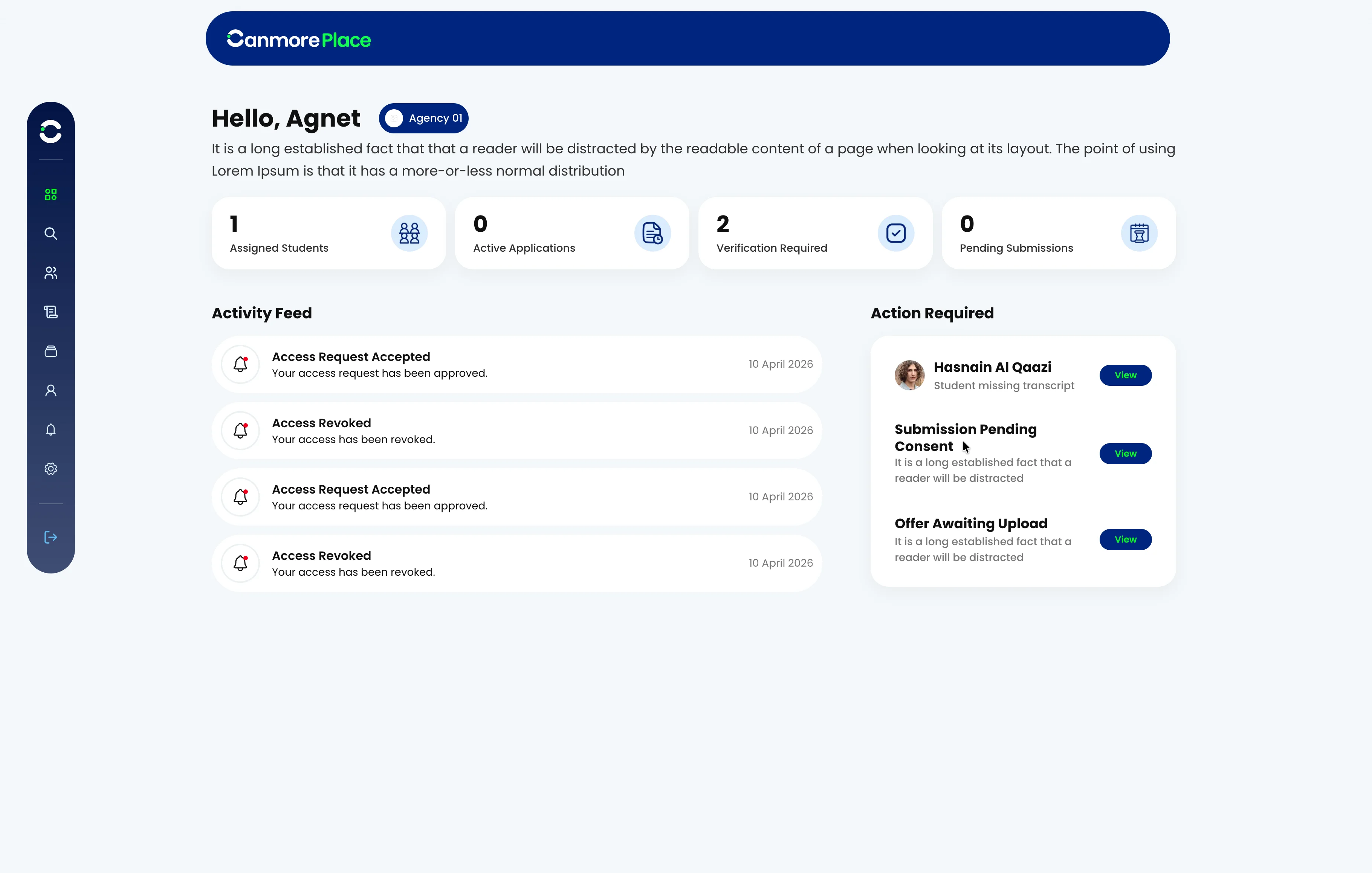
Applications can be prepared and submitted by you alone or with support from a parent, school or advisor, depending on how you choose to manage your applications.

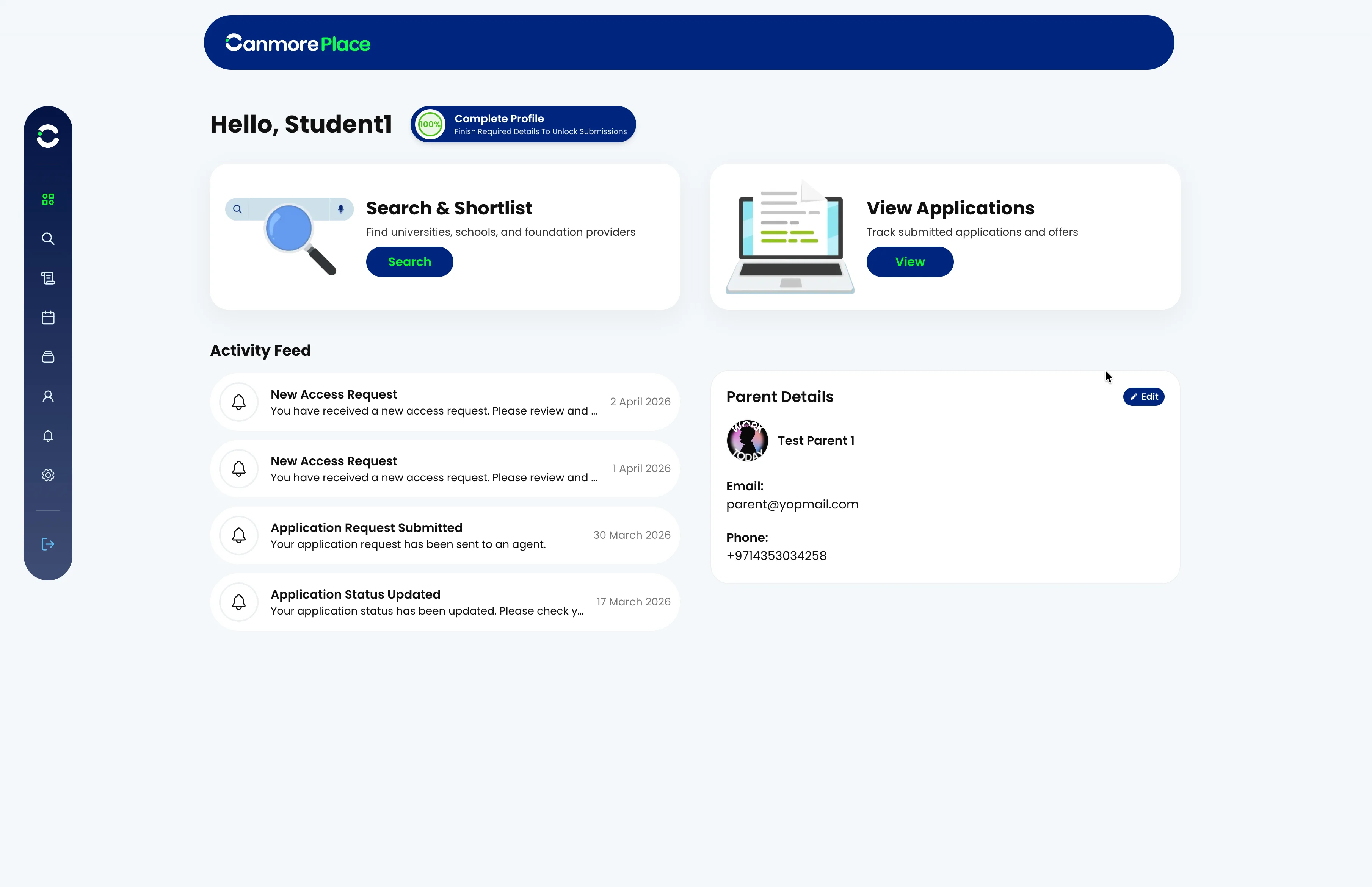
You will then be able to track all of your applications in one place, including applications submitted through Canmore Place and those added externally.

You can login at any time to view and manage your applications, respond to updates and plan your next steps.

FIND THE RIGHT OPTIONS, FASTER
You can search and filter schools, universities and pathways based on what matters most to you. Whether you are considering curriculum, location, fees, subject choices or progression routes, Canmore Place helps you quickly narrow down your options and focus on the Universities that suit you best. This saves time, reduces uncertainty and allows you to make more confident decisions.
Search for schools, universities, and higher education pathways
TRACK YOUR APPLICATIONS
You Can Log In At Any Time To Track The Progress Of Your Applications.

REFER A FRIEND
Invite Friends And Build Your Network On Canmore Place
https://r.canmore.com/454a45a5

SECURE
DOCUMENT VAULT
All your documents are stored securely and remain accessible over time.
As you progress through school, into university and beyond, you can continue adding to your profile without having to begin the process again.
This removes the need to repeatedly upload the same information and documents across different platforms.
OUR PARTNERS
Canmore Place Works With A Carefully Selected Network Of Schools, Universities
And Pathway Providers.